
Reclaim Your Mission: How AI Can Slash Admin Overload and Boost Impact
The non-profit sector has long been held back by the "overhead myth"—the damaging idea that money spent on operations is money taken away from the mission. But a silent revolution is here to break that cycle: Artificial Intelligence is ready to become your ultimate force multiplier, handling the drudgery so you can get back to changing the world.
Key Takeaways
- Augmentation, Not Replacement: The goal isn't to replace your passionate staff, but to automate the low-value, repetitive tasks that lead to burnout.
- Human-in-the-Loop: AI should generate the first draft or the schedule, but a human must always review and approve the final output to maintain authenticity.
- Immediate ROI: You don't need a coding degree. The tools highlighted here are low-code/no-code solutions designed for immediate impact.
The Top 5 AI Time-Savers for Non-Profits
We've combed through the research to bring you the "best of the best"—tools that solve specific, nagging problems in the charity sector. Here is your essential toolkit for the frictionless non-profit.
1. The Problem: "I'm too busy taking notes to actually listen to my donor."
The Solution: Otter.ai
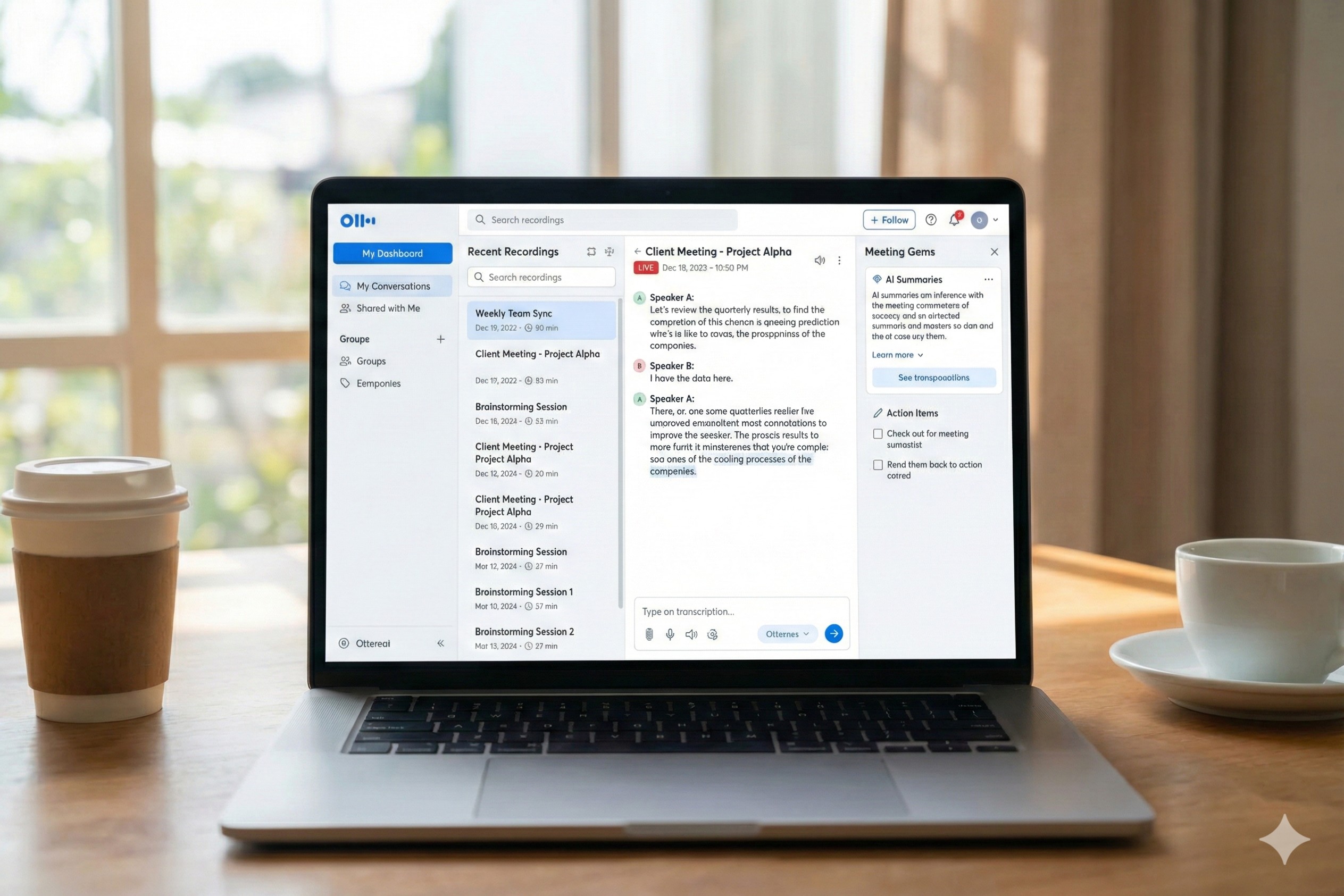
Think of this as your "active listening" assistant. Instead of frantically typing every word during a stakeholder meeting, Otter records, transcribes, and summarizes the conversation for you. It even identifies different speakers and captures slides automatically.
Real-World Use Case: Your Program Coordinator is meeting with a potential corporate funder. Instead of burying their head in a notebook, they maintain eye contact and build rapport. Post-meeting, Otter sends a summary of action items, which the Coordinator tweaks and emails out in minutes.
2. The Problem: "Our donor data is a mess of mixed caps and bad formatting."
The Solution: Excel Copilot

Data cleaning is the unglamorous backbone of fundraising. Excel Copilot lets you talk to your spreadsheet like a human, removing the need for complex formulas to fix messy data.
Real-World Use Case: Your database admin has a list of 5,000 names with inconsistent state abbreviations ("Cal." vs. "CA"). Instead of manual entry, they type: "Standardize state abbreviations to 2 letters and highlight duplicate emails." Done in seconds.
3. The Problem: "I need social media assets for the Gala, but we don't have a designer."
The Solution: Canva Magic Studio

You likely already use Canva, but their AI "Magic" tools are a game-changer. They democratize high-end design, allowing you to resize, edit, and generate assets instantly.
Real-World Use Case: You have one master poster for the Spring Gala. Using "Magic Switch," you instantly generate five variations resized perfectly for Instagram, LinkedIn, and email headers. No designer needed.
4. The Problem: "I'm overwhelmed and this email sounds too defensive."
The Solution: Goblin.tools
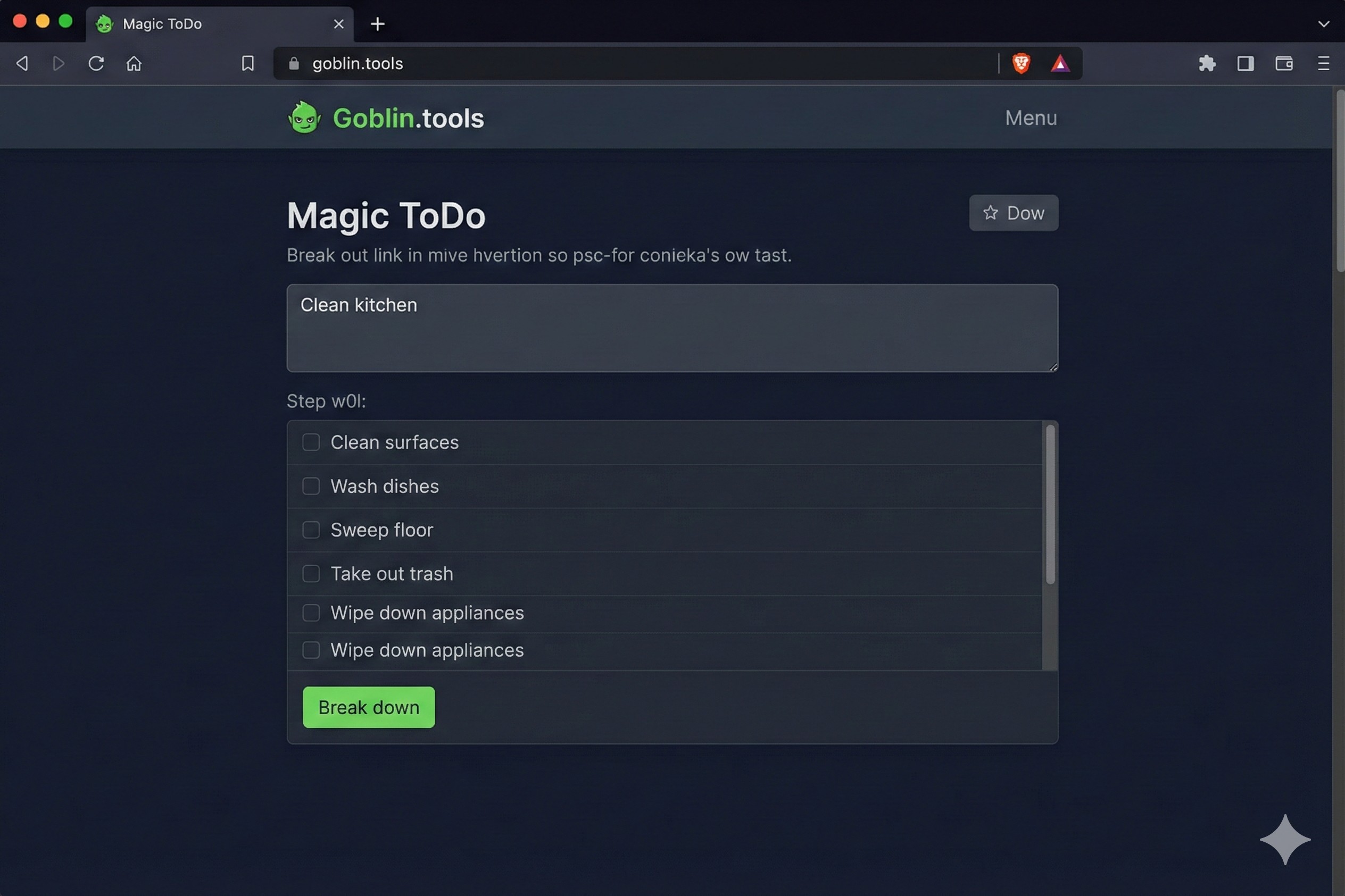
Non-profit work involves high emotional labor and wearing "many hats." Goblin.tools helps manage neurodiverse traits and general overwhelm by breaking down tasks and checking the emotional tone of your writing.
Real-World Use Case: A Director receives an angry email from a donor. Feeling defensive, they draft a hot-headed reply. Before sending, they run it through the "Judge" tool, which flags the aggression. The "Formalizer" tool then rewrites it to be professional and empathetic, saving the relationship.
5. The Problem: "I spend my Friday exporting CSVs from Eventbrite to upload into Mailchimp."
The Solution: Zapier
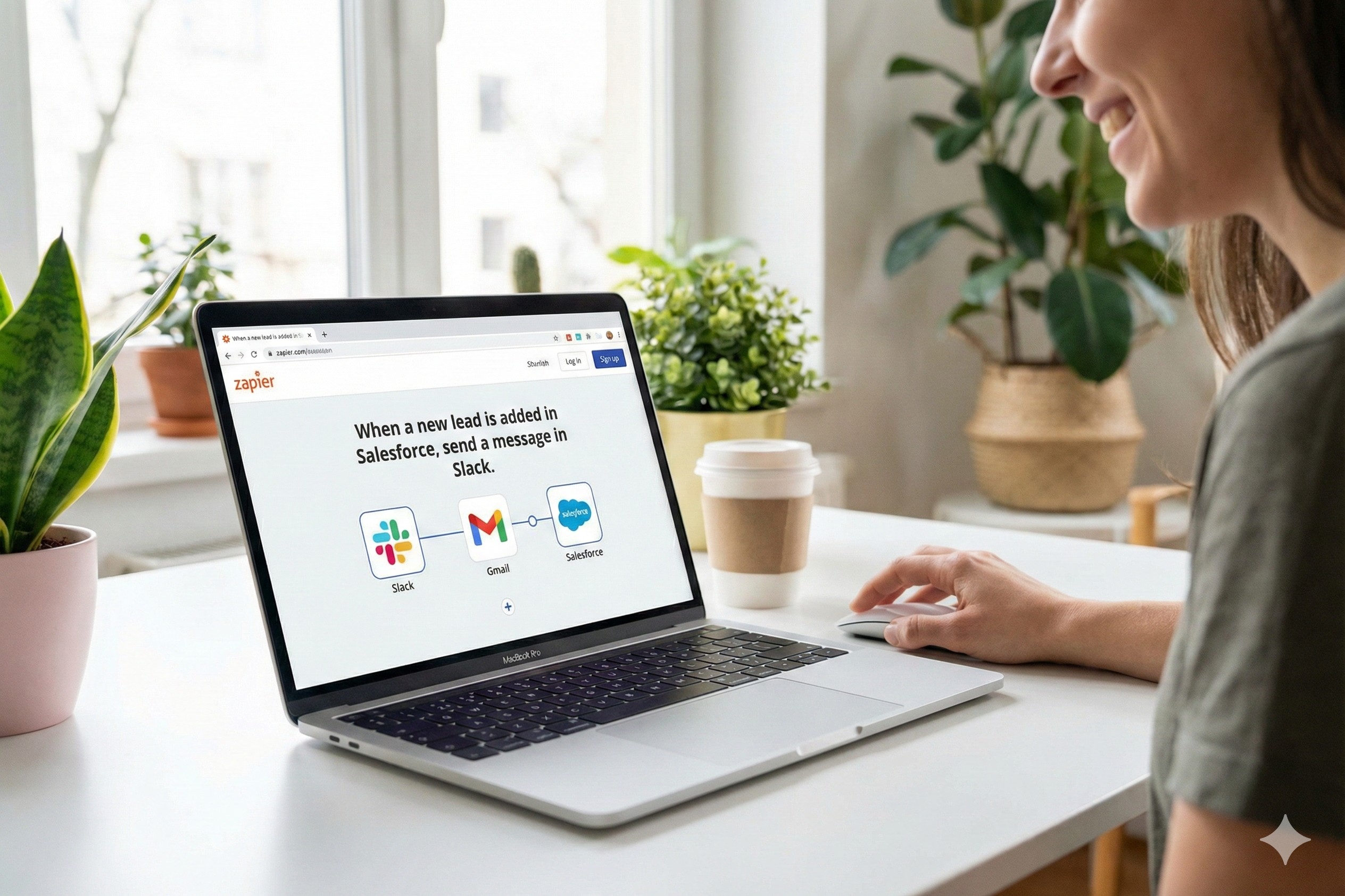
Zapier is the digital glue that connects apps that don't naturally talk to each other. It works on a simple premise: "When X happens, do Y."
Real-World Use Case: When a donor buys a ticket on Eventbrite, Zapier automatically adds them to your Mailchimp newsletter list and updates your Google Sheet for check-in. The manual data entry vanishes, and your list is always live.
How Non-Profits Can Use This Today
Adopting AI can feel like drinking from a firehose. The key is to avoid "tool fatigue" by following a phased approach.
Phase 1: The Low-Hanging Fruit (Weeks 1-4)
Focus on individual productivity to get quick wins. Sign up for Canva's free non-profit tier to upgrade your visuals immediately. Encourage your team to use Goblin.tools when they feel overwhelmed by a project or need help tone-checking a difficult email. These are low-risk, high-reward starts.
Phase 2: Team Efficiency (Months 2-3)
Once you are comfortable, tackle your meetings. Implement Otter.ai for your leadership team to ensure every decision is documented without a scribe. This creates a searchable archive of your organization's history without extra effort.
Phase 3: Strategic Transformation (Months 4-6)
Now, go for the big impact. Clean your data with Excel Copilot and then automations using Zapier. This is where you move from saving time to removing manual processes entirely, allowing your team to focus on donor relationships rather than data entry.